JFormDesigner 8.2.3 for IntelliJ IDEA
Advanced Swing GUI designer with outstanding support for MigLayout, JGoodies FormLayout, GroupLayout (Free Design), TableLayout and GridBagLayout, which makes it easy to create professional looking forms.
- MigLayout support
MigLayout is a superbly versatile and powerful open-source layout manager. It is grid-based, but also supports docking and grouping. - GroupLayout (Free Design) support
GroupLayout support brings the “Free Design” paradigm to IntelliJ IDEA (as in NetBeans GUI Builder; formerly Project Matisse). You can lay out your forms by simply placing components where you want them. Visual guidelines suggest optimal spacing, alignment and resizing of components. This makes it easy to design professional-looking GUIs. - JGoodies FormLayout and TableLayout support
These open-source layout managers allow you to design high quality forms. - Advanced GridBagLayout support
The advanced GridBagLayout support allows the specification of horizontal and vertical gaps (as in TableLayout). - Column and row headers
The column and row headers (for grid-based layout managers) show the structure of the layout and allow you to insert or delete columns/rows and change column/row properties. It’s also possible to drag and drop columns/rows (incl. contained components and gaps). - Localization support
Localizing forms using properties files has never been easier. Specify a resource bundle name and a prefix for keys when creating a new form and then forget about it. JFormDesigner automatically puts all strings into the specified resource bundle (auto-externalizing). - Beans Binding (JSR 295) support
Using Beans Binding (JSR 295) helps you to keep UI state and model in sync. It drastically reduces the amount of listener code that is usually necessary. - BeanInfo Annotations
The @BeanInfo and @PropertyDesc annotations make it very easy to specify BeanInfo information directly in the custom component. Its no longer necessary to implement extra BeanInfo classes. This drastically reduces time and code needed to create BeanInfo information. - Java code generator or runtime library
Either let JFormDesigner generate Java source code for your forms (the default) or use the open-source (BSD license) runtime library to load JFormDesigner .jfd files at runtime. Your choice. - Generation of nested classes
The Java code generator is able to generate and update nested classes. You can specify a class name for each component in your form. This allows you to organize your source code in an object-oriented way. - IDE plug-ins and stand-alone application
JFormDesigner is available as IDE plug-ins for IntelliJ IDEA, NetBeans, Eclipse and as stand-alone application.
How to use?
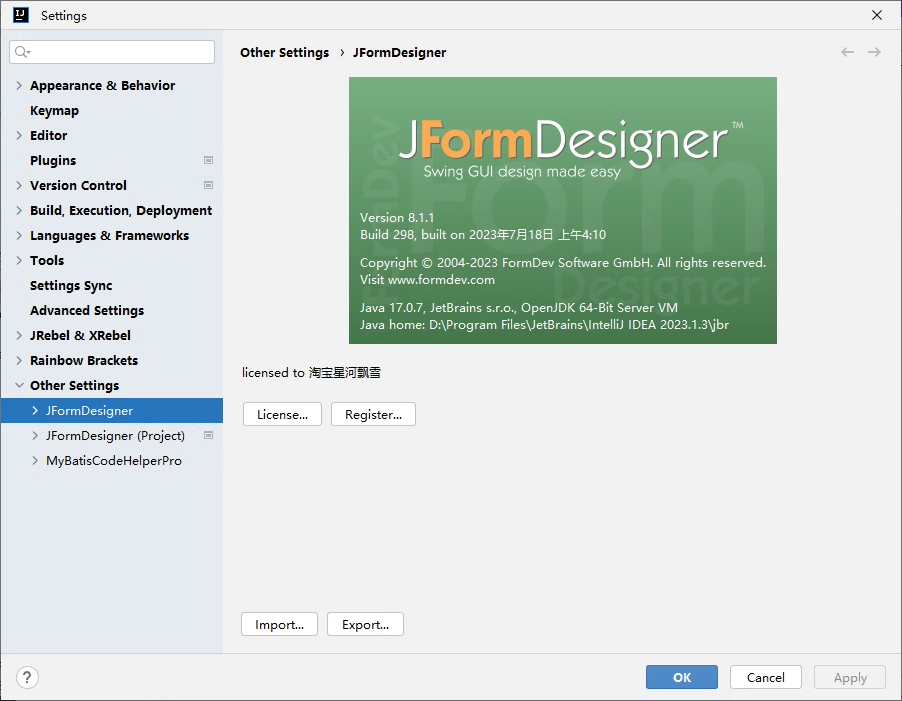
Download JFormDesigner-IDEA-8.2.3.zip and install it using IntelliJ IDEA.
1 | Name: 淘宝星河飘雪 |
Download
- JFormDesigner-IDEA-8.2.3 Download
JFormDesigner 8.2.3 for IntelliJ IDEA